
Başlarken
Başlarken
Notla; ders ve kullanıcı yönetiminden ödev/sınav oluşturmaya, öğrenci kağıtlarını yapay zekâ destekli olarak değerlendirmeye kadar tüm süreci tek bir platformda toplayan bir eğitim aracıdır. Bu sayfa, sisteme ilk girişten sonra göreceğiniz ekranları tanıtır.
Notla nedir?
Notla, kurum koordinatörlerinin ders ve kullanıcı oluşturup öğretmenlere yetki verdiği; öğretmenlerin ise ödev/sınav hazırlayıp öğrenci kağıtlarını otomatik olarak değerlendirebildiği bir platformdur. Tipik kullanıcı yolculuğu üç ana parçadan oluşur:
- Kurulum. Koordinatör kullanıcıları sisteme ekler, dersleri oluşturur ve öğretmen/öğrencileri atar.
- Hazırlık. Öğretmen ders içinde bir ödev veya sınav oluşturur, taslağı yükler ve soruları/değerlendirme kriterlerini tanımlar.
- Değerlendirme. Öğrenci kağıtları yüklenir, otomatik notlandırma çalıştırılır ve sonuçlar yayınlanır.
Sisteme giriş
Notla'ya kurumunuza ait bağlantı üzerinden (örnek: app.notla.net) erişip kullanıcı adınız ve parolanız ile giriş yapabilirsiniz. Birden fazla kurumda yetkiniz varsa, giriş sonrasında sağ üstteki kullanıcı menüsünden aktif kurumu seçebilirsiniz.
Demo hesap
Dersler ekranı
Sisteme giriş yaptıktan sonra karşınıza Dersler ekranı çıkar. Sol menü her sayfada yanınızda olur; ana alanda kurumdaki dersler ve yeni ders ekleme kartı listelenir.
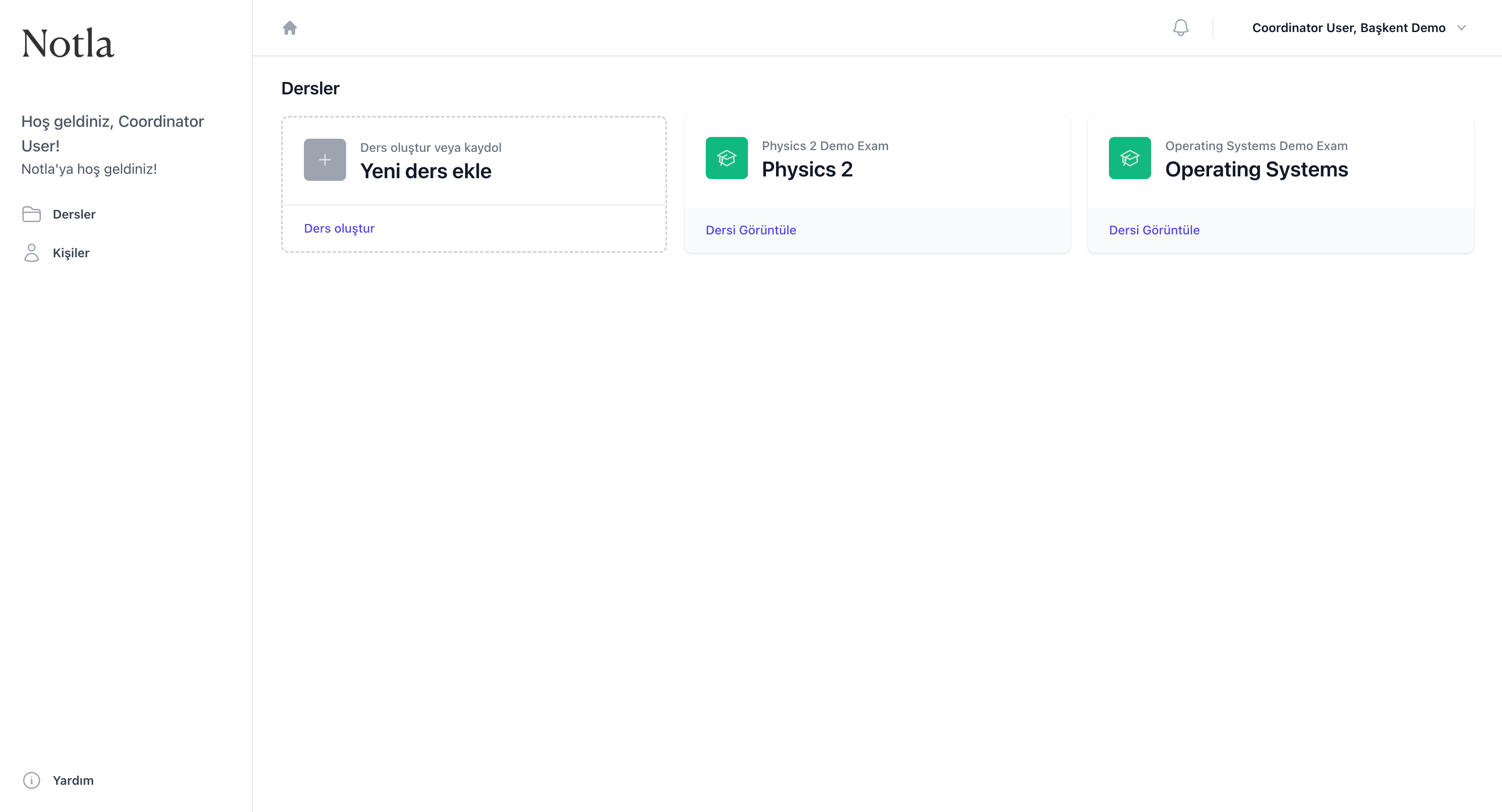
- Sol menü her sayfada görünür ve sizi
DerslerileKişilerbölümlerine götürür. Sağ alt köşedekiYardımbağlantısı bu kılavuzu açar. - Hoş geldiniz mesajı hangi kullanıcıyla giriş yaptığınızı ve hangi kurumda çalıştığınızı doğrular.
- Ders kartları mevcut dersleri gösterir; en soldaki kesik çizgili kart ise
Yeni ders eklesihirbazını başlatır.
Roller ve görünüm
Notla'da iki temel rol vardır: koordinatör ve öğretmen. Hangi rolde olduğunuza göre gördüğünüz menüler ve yapabileceğiniz işlemler farklılaşır, ancak temel iş akışı aynı kalır.
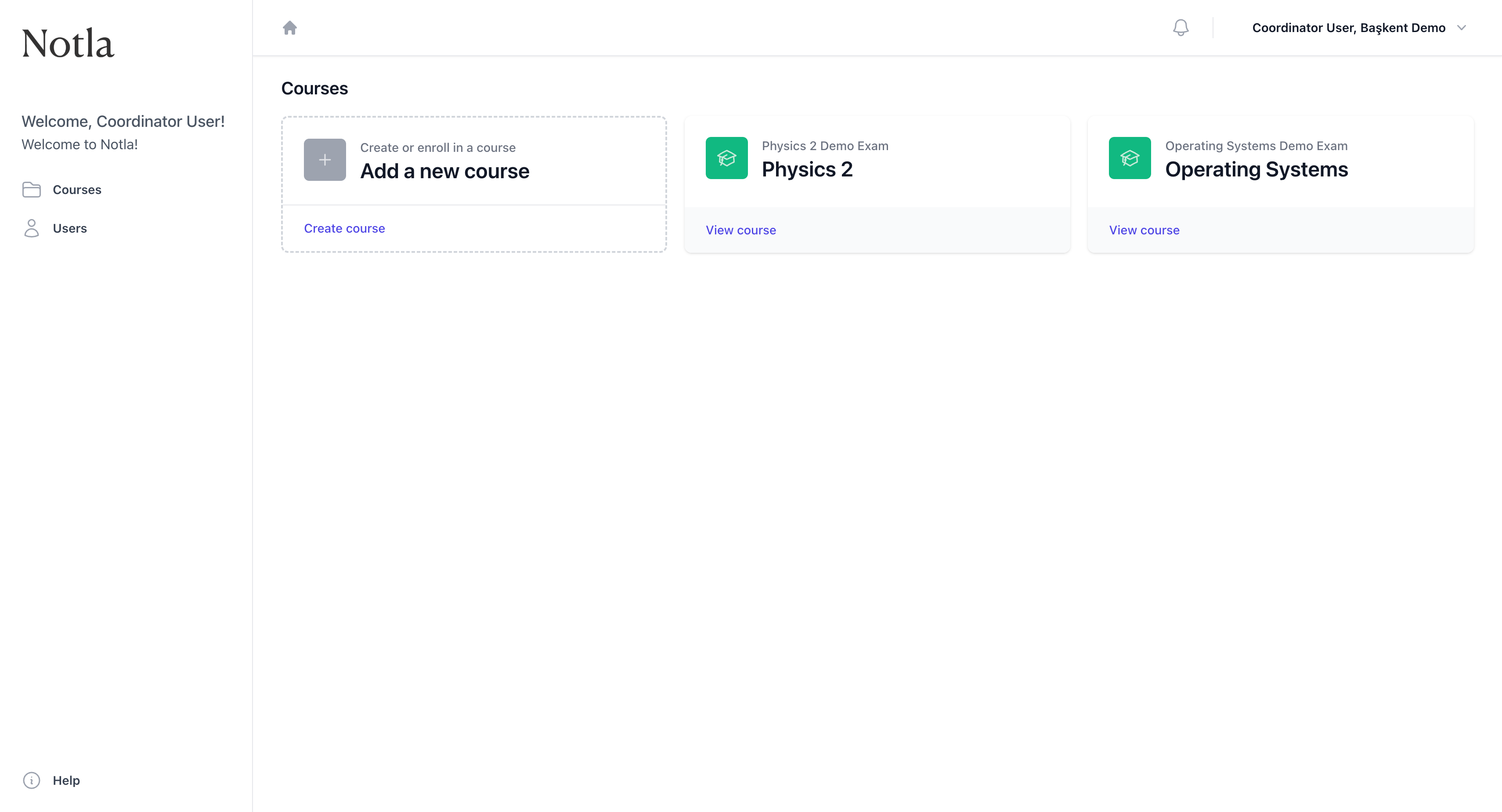
- Koordinatör sol menüde hem
Derslerhem deKişiler'i görür. Kullanıcı ekleme, ders oluşturma ve öğretmen/öğrenci atama işlemleri yalnızca koordinatör tarafından yapılır. - Öğretmen yalnızca kendisine atanmış dersleri görür ve doğrudan ödev/sınav oluşturma adımına geçebilir.
- Arayüz dili hesap ayarlarınızdan Türkçe veya İngilizce olarak değiştirilebilir; içerik aynı kalır, yalnızca etiketler tercüme edilir.
Sonraki adım
Koordinatörseniz öğretmen ve öğrencilerinizi sisteme eklemek için Kullanıcıları yönetme bölümünden devam edin. Eğer doğrudan bir ders oluşturmak istiyorsanız Ders oluşturma adımına geçebilirsiniz.
Öğretmenseniz ve size atanmış bir ders zaten varsa, Ödev/sınav oluşturma bölümünden başlayabilirsiniz.